


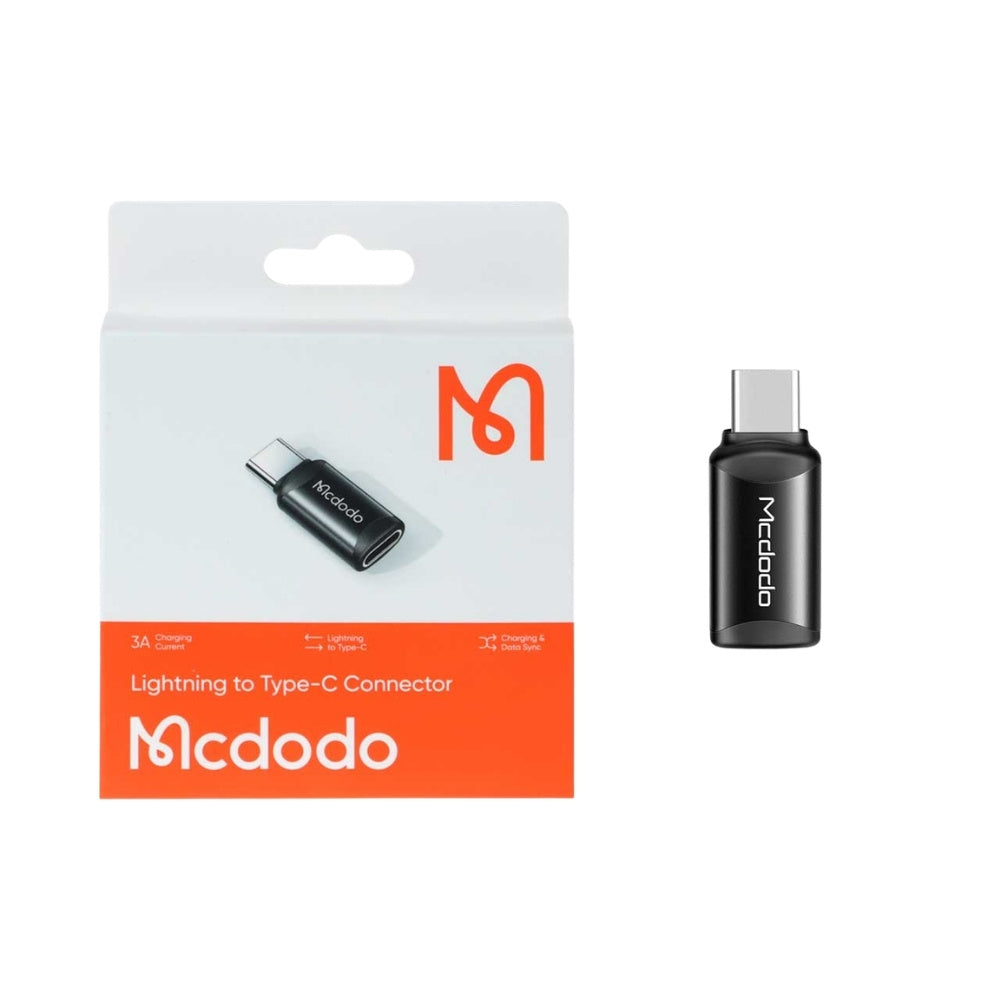

Mcdodo OT-7700 Lightning Type-C Adapter
The Mcdodo OT-7700 is a compact connector designed to convert a Lightning cable connection into a Type-C connection for charging and data transfer with compatible devices.
Its strongest selling point is not just plug-and-play use. The real value is cable flexibility: it helps users continue using a Lightning cable with Type-C power adapters, computers, laptops, and other compatible USB-C host devices.
Simple Connection
The adapter is designed for direct use without installing extra software.
Connect the Lightning cable into the adapter’s Lightning female port, then connect the Type-C male side to a compatible USB-C charger, laptop, computer, or supported device.
Use Lightning Cable with Type-C Port
The connector allows a Lightning cable to be used with a Type-C charging source, such as a USB-C power adapter or compatible USB-C port.
Important Reality
Charging speed depends on the charger, cable quality, connected device, and supported charging protocol. Do not position this as a guaranteed fast-charging adapter unless the exact output rating is confirmed.
Lightning to Type-C Data Connection
For data transfer, users can connect their Lightning device through a Lightning cable, then connect the adapter’s Type-C end to a compatible computer or data-enabled Type-C device.
Compatibility Note
Data transfer depends on whether the Type-C device supports data input and recognizes the connected Apple device.
Aluminum Alloy Construction
The aluminum alloy body improves durability compared to basic plastic adapters.
Compact Design
Small enough to keep in a pocket, cable pouch, laptop bag, car, or travel kit.
Cleaning
Clean with a soft, dry cloth. Avoid liquid cleaners and abrasive materials.
Storage
Store in a cool, dry place away from direct sunlight and extreme temperatures.
Handling
Avoid bending, twisting, or forcing the adapter when connecting or disconnecting.
Brand
Mcdodo
Model
OT-7700


